
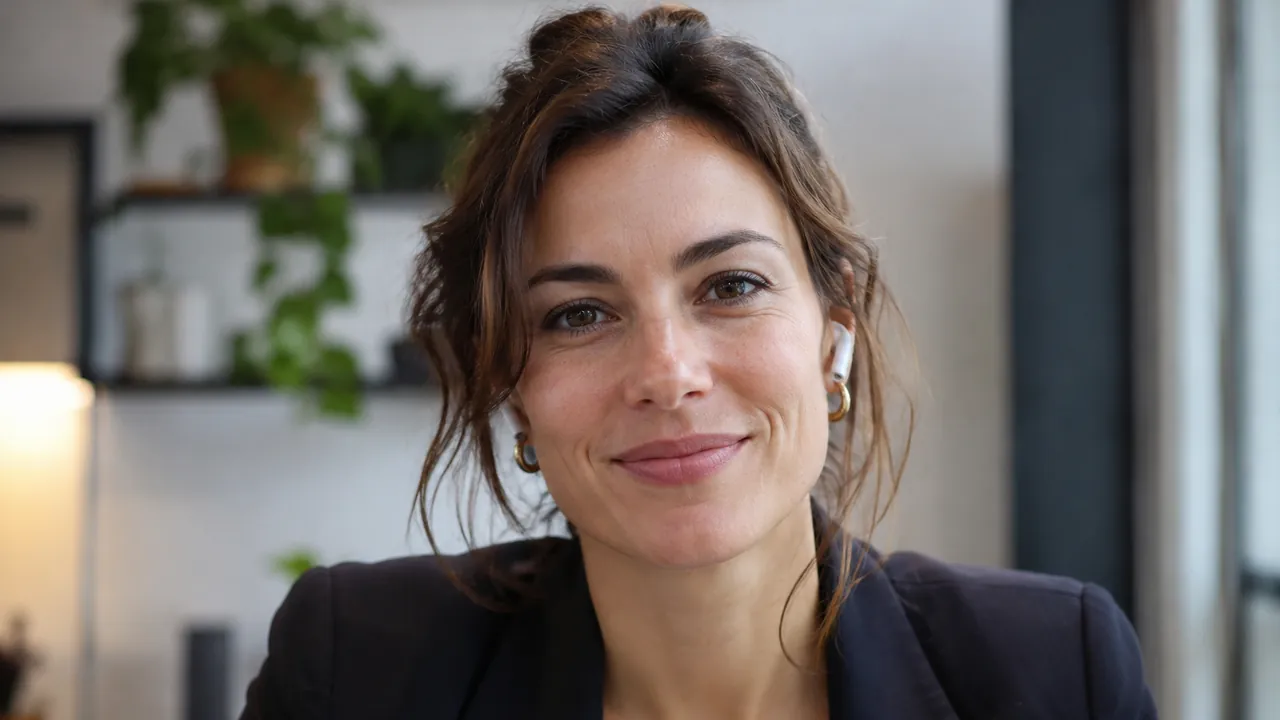
 Julie Martin
Framing that follows you
With a compatible camera, a Studio Display, or an iPad or iPhone via Continuity, Kantike turns on Center Stage: the picture stays centred on you as you move.
Features Video calls
A lobby to check your camera and microphone, a link your clients open in their browser, and a high-definition call. No account for your guests, no recording.
Before you go in, you see yourself, test your microphone and choose your devices. The camera stays off until you turn it on.
With a compatible camera, a Studio Display, or an iPad or iPhone via Continuity, Kantike turns on Center Stage: the picture stays centred on you as you move.
Light blur, strong blur or an image of your own. The cut-out is computed frame by frame on your Mac, before the video is sent.
A level bar reacts to your voice. Microphone, speakers and camera are chosen in the lobby, and Kantike remembers them.
Opening Calls does not trigger the camera or the microphone. macOS only asks you for access the first time you click the matching button.
You copy the link, or Kantike prepares an invitation draft in Mail that you send yourself. Your client opens it in their browser, on a computer or phone, chooses their name and joins you.
The invitation page checks your guest’s camera and microphone before they enter. No account to create, no app to download.
Paste the link wherever you like. Or Kantike writes the message in a Mail window: as always, you do the sending.
Each invitation is signed by kantike.com and only gives access to one room. After 7 days, the link stops working.
A clear grid that shows who is speaking. Screen sharing takes over the stage when you need it, and any video can go full screen with a double-click.
A green outline follows the person speaking, and an icon flags muted microphones. The timer and the number of participants stay visible at the top.
A file, a listing, a floor plan: the shared screen takes the stage and participants move to the side.
Double-click a tile, including your own: it fills the window. Escape puts it back in the grid.
Kantike films in 1080p. For guests on a slower connection, a lighter version of the video is sent automatically.
Go back to your messages or your calendar: the call stays open, and the sidebar shows it is in progress.
A video call always goes through a server. Here is which one, and what it sees.
Privacy policyNo picture, no sound, no transcript: Kantike does not record calls.
Video is encrypted between each participant and the video server. It is not end-to-end encrypted.
Calls go through LiveKit Cloud. Session data is hosted in the European Union, in Frankfurt.
Each invitation link is signed, only gives access to its own room and expires after 7 days.
Calls are kept separate from the analysis of your messages: no Mail content is sent to the video server.
You need a Kantike licence to start a call. Your guests join for free, with no account.
Version 1.30 · macOS 14 or later · Licence from €6.90 per month incl. VAT · Refunded within 14 days, no questions asked.