
Artificial intelligence · · 5 min read
The emails AI should not handle alone (and why auto-sending is a bad idea)
Complaints, commitments, money, sensitive data: the messages that need a human to review them, the typical mistakes AI makes, and simple rules to stay in control of sending.
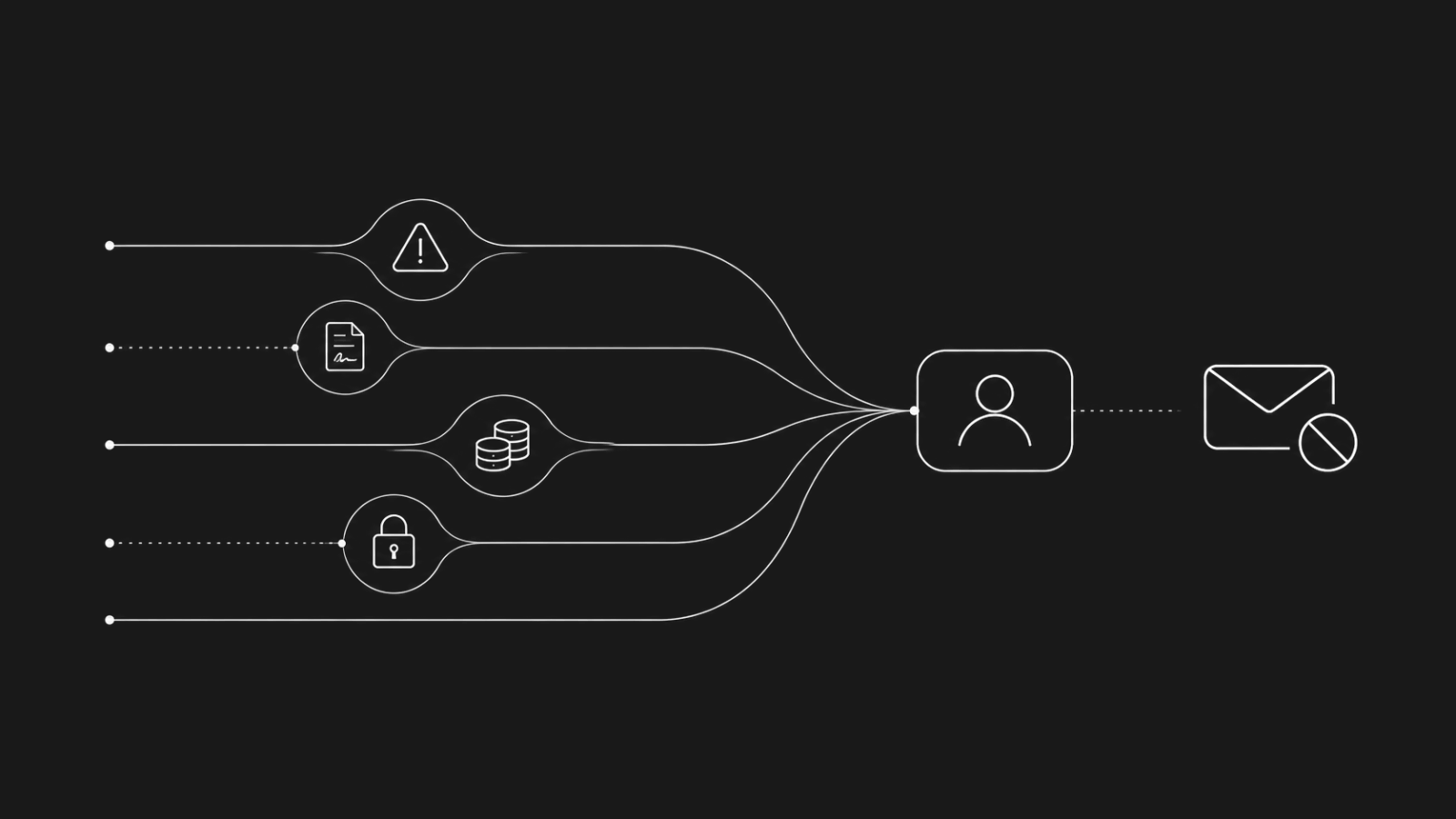
An artificial intelligence tool can now read an email, pick out the request and suggest a reply that looks right, in a few seconds. The next step seems obvious: let it reply on its own. For some of your messages, that is a risk nothing justifies.
This article reviews the messages that need a person, the most common mistakes AI makes with an email, and a simple working rule to get the help without losing control.
What AI does well, and what it doesn’t know
With an email, AI is useful for specific tasks:
- spotting the type of request (quote, invoice, appointment, complaint);
- picking out a deadline or a reference mentioned in the text;
- suggesting a structure for the reply and a first wording;
- rephrasing a draft that is too curt or too long.
On the other hand, it knows nothing that is not in the text it is given: yesterday’s phone call, the history of the relationship, your commercial policy, what you usually accept or refuse. And it is not responsible for what it writes. You are.
The messages that need a person
Some emails do not lend themselves to a reply produced without a human looking at it, however good its form.
- Complaints and dissatisfaction. A badly judged reply turns an incident into a conflict. A generic apology can ring false, or on the contrary admit a fault you dispute.
- Legal or contractual commitments. Accepting a quote, confirming a deadline, approving a contract change, answering a formal notice: an email can count as agreement. “Noted, we’ll take care of it” commits the business, whoever wrote it.
- Money. Refunds, discounts, payment plans, invoice disputes, changes of bank details. A request to change bank details is checked through another channel, for example a call to a number you already know, never through a simple reply.
- Sensitive personal data. The CNIL, the French data protection authority, points out that sensitive data (health, political opinions, religious beliefs, trade union membership, sexual orientation, among others) forms a special category, whose processing is in principle prohibited except in specific cases. A message containing it deserves a moment’s thought about whether it should be sent to an AI service, and under what terms.
- Ambiguous requests. When a message can be read two ways, AI picks one reading, often without saying so. A person asks the question.
- Emotionally charged situations. Bereavement, illness, redundancy, distress: a polite but generic reply can hurt.
- Anything that commits the business beyond day-to-day matters. Journalists, public authorities, lawyers, major partners, and more broadly any message whose reply you would not want to discover after the fact.
The typical mistakes AI makes with an email
Knowing these flaws helps you know where to look when reviewing.
- The confident mistake. The text is fluent, well built, and wrong. The quality of the form says nothing about the accuracy of the content.
- The invented detail. Lacking information, the model may fill the gap: a call-back date, a file number, a “usual” lead time, a price. It is the most dangerous flaw, because it is plausible.
- The misread tone. Irony, weariness or barely contained anger easily go unnoticed. “Thanks again for your responsiveness” after three reminders is not a compliment.
- The missing context. AI only sees what it is given. It does not know about the agreement made in person, the previous exchange in another thread, the goodwill gesture already granted.
- Mixing up people. In a thread with several people, a request can be attributed to the wrong person, or a reply sent to everyone when it only concerned one.
Why auto-sending is a bad idea
The simplest argument: a sent email cannot be taken back. Once it has left, it is read, forwarded and archived by the recipient.
Then there is an asymmetry. What auto-sending saves on a message is counted in seconds. What a mistake can cost is counted in lost clients, commitments made in spite of you or information sent to the wrong address.
Finally, responsibility cannot be delegated. The person reading you does not need to know that a machine wrote the reply: for them, it is your business speaking.
A common objection remains: “Let’s only auto-send the simple messages.” The trouble is that the sorting itself is done by the AI. A calmly worded complaint can pass for an ordinary question. The filter meant to protect you is prone to the same mistakes as the reply.
What to check when reviewing
Reviewing does not mean rewriting everything. An effective review covers a few points:
- the facts: every date, amount, name or reference must come from the message or your files, not from the AI;
- the commitments: is every promise (“we’ll call you back tomorrow”) one you can keep?
- the tone: does it suit the person and the situation?
- the recipients: the right address, the right people in copy;
- omissions: has every question asked been answered?
A practical rule in six points
- AI prepares, a person sends. No exceptions, including for messages that look simple.
- A gap stays visible. Missing information must show as such, for example as a placeholder in square brackets, not be filled with a guess.
- Some subjects require careful reading. Complaints, money, contracts, sensitive data, difficult situations: review slowly, and rewrite if needed.
- Doubt must show. A tool that classifies everything with the same confidence does not help you know where to focus.
- Unusual payment requests are checked elsewhere. A change of bank details, an urgent transfer: a phone call, not a reply.
- Send only what is necessary. Know what goes to the AI service, and decide it before it is sent.
How Kantike applies this principle
Kantike, an app for the Mac and Apple Mail, was designed around this rule:
- It sends no messages. It creates drafts in Apple Mail; you do the sending, from Mail.
- Every suggested reply goes through a review window, where the text remains fully editable.
- Missing information becomes a placeholder in square brackets. As long as a passage remains to be completed, approval is blocked.
- Every priority is justified by a reason written in plain words and by the passage of the message it is based on. When the analysis is unsure, the message joins the “To check” queue.
- Nothing leaves without your consent. Before each analysis, Kantike shows the number of messages, the provider and the data sent (sender, subject, start of the text). Attachments are never sent.
An analysis can be wrong: priorities are suggestions to check, not guarantees. The details are on the Product page, and what is sent is described on the Privacy page.