
Organisation · · 5 min read
Replying faster to client requests without cutting corners
Replying faster to client requests without cutting corners: acknowledgements, templates, missing documents, time slots, follow-ups, review and batch processing, with examples by profession.
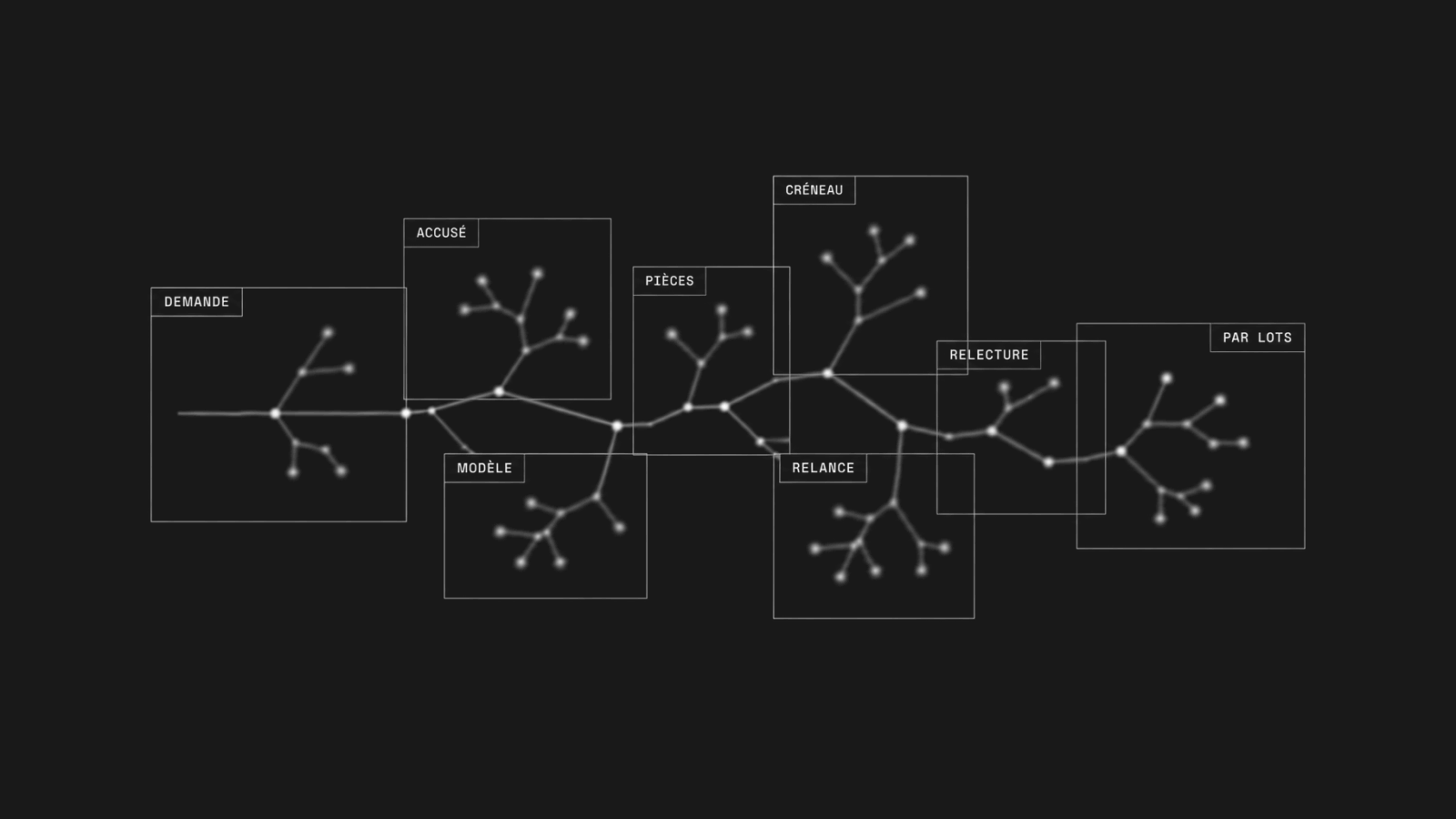
A request that waits three days for an answer gives an impression of indifference. A quick but approximate reply, which forgets a question or quotes the wrong price, is worse. Between the two, there is a way of working that lets you reply fast without sacrificing substance.
Lost time is rarely in the writing itself. It is in the decision (“what should I reply?”), in looking for information, and in the back-and-forth an incomplete reply causes. That is where to act.
Separate the acknowledgement from the full reply
Not every request can get a definitive answer within the hour. A quote has to be costed, a file studied, availability checked. On the other hand, almost all of them can get a quick first response.
A good acknowledgement has three parts:
- the request has been received, restated in one sentence to show it has been read;
- what happens next, said simply: studying the file, arranging a visit, costing;
- a realistic timeframe, one you can keep without difficulty.
Example: “Hello, we have received your request about renovating your bathroom. We will get back to you by Thursday with a proposed visit.”
The trap is the acknowledgement that promises too much. Announcing a quote “within 24 hours” to buy time today creates a follow-up tomorrow.
Templates, not stock phrases
The same requests keep coming back: a price, an appointment, a document, a status update. Writing each reply from a blank page wastes time and produces uneven replies.
Build a small library of templates, ten at most to begin with, stored where you can find them in seconds: in your mail app, in a text file, in a notes tool. For each one:
- a fixed structure: greeting, answer, next step, signature;
- the variable information in square brackets: [first name], [visit date], [amount];
- one sentence you personalise every time, so the message does not read like a form letter.
Square brackets have an advantage: before sending, you just search for the “[” character to check no field has been forgotten. A message sent with “Hello [first name]” gets noticed.
Ask for missing documents all at once
The worst scenario: asking for a document, receiving it, realising another one is missing, asking again. Each round trip adds days.
Before replying, make the full list of what you need to move forward, then ask for everything in the same message, as a numbered list. Say what format you expect if it matters (PDF, readable photo, signed document) and, if needed, a preferred date.
Example for an accounting firm: “To finalise your return, we still need: 1. your bank statements for November and December; 2. the purchase invoice for the vehicle; 3. the loan agreement. A PDF is perfectly fine.”
The numbered list also makes replying easier: the person can say “here are 1 and 3, 2 will follow next week”.
Offer specific time slots
“When are you available?” often triggers an exchange of several messages. Offer two or three specific slots instead, with the day of the week, the date, the time and the expected duration:
- Tuesday 24 November, 9:00 to 10:00;
- Wednesday 25 November, 14:00 to 15:00;
- Friday 27 November, 11:00 to 12:00.
Add the place or method (on site, by phone, by video call) and what the person needs to have ready: documents, access to the property, plans. Putting the day of the week next to the date avoids some mistakes. And check your calendar when you send, not the day before.
Plan the follow-up as soon as you send
A request you have answered is not necessarily a closed matter. If you are waiting for a document, a quote approval or an appointment confirmation, note right away when to follow up, in your calendar or task list.
An effective follow-up is short, recalls the context in one sentence and makes replying easy: “Hello, I’m getting back to you about the quote sent on 3 November for the terrace. Would you like us to block a date for the work?”
Review before sending
Replying fast does not excuse you from reviewing. A targeted review takes less than a minute if you know what to check:
- the recipient and the people in copy;
- figures, dates and amounts;
- the attachments mentioned in the text: are they actually attached?
- fields in square brackets: are any left?
- every question asked in the original message: does each have an answer?
- the tone: would someone new to the file understand the reply?
Point 5 is easy to overlook. A request that contained three questions and gets only two answers will almost certainly bring a new message.
Process in batches
Opening your email at every notification breaks up the day. An alternative: two or three fixed times a day to process requests, each time in a two-step pass.
First, a quick sort: what needs a reply today, what can wait, what needs nothing. Then, handle similar requests one after another: all the acknowledgements, then all the document requests, then all the time slots. Running through replies of the same kind lets you reuse the same template and the same information.
Examples by profession
| Business | Frequent request | Useful first response |
|---|---|---|
| Building trades | Quote request for works | Acknowledgement and two proposed visit slots |
| Accounting firm | Question about a tax deadline | Acknowledgement and list of documents needed |
| Estate agency | Request to view a property | Viewing slots and a reminder of documents to bring |
| Architecture practice | First contact about a project | Questions about the site, budget and timeline, in a single list |
| Freelancer | Price request | Indicative price range and an offer of a phone call |
| SME | Complaint about an order | Acknowledgement, case number and handling time |
In every case, the logic is the same: a quick response showing the request is being handled, then a complete reply that avoids back-and-forth.
What Kantike does
Kantike, for the Mac and Apple Mail, takes on several of these steps. You choose a folder and the number of messages to analyse, from 5 to 50. For each message, it suggests a category, a priority backed by the passage of the message it is based on, and the expected action. When the analysis is unsure, the message is flagged “to check”.
For a message or a selection, Kantike prepares a reply of one of the four kinds described above: acknowledge receipt, ask for a document, offer time slots, prepare a follow-up. Information it does not know stays in square brackets, and approval is blocked as long as any remain. You review, edit and approve: the reply becomes a draft in Apple Mail, and you are the one who sends it.
How it works is detailed on the Product page, and the setup steps on the How it works page.